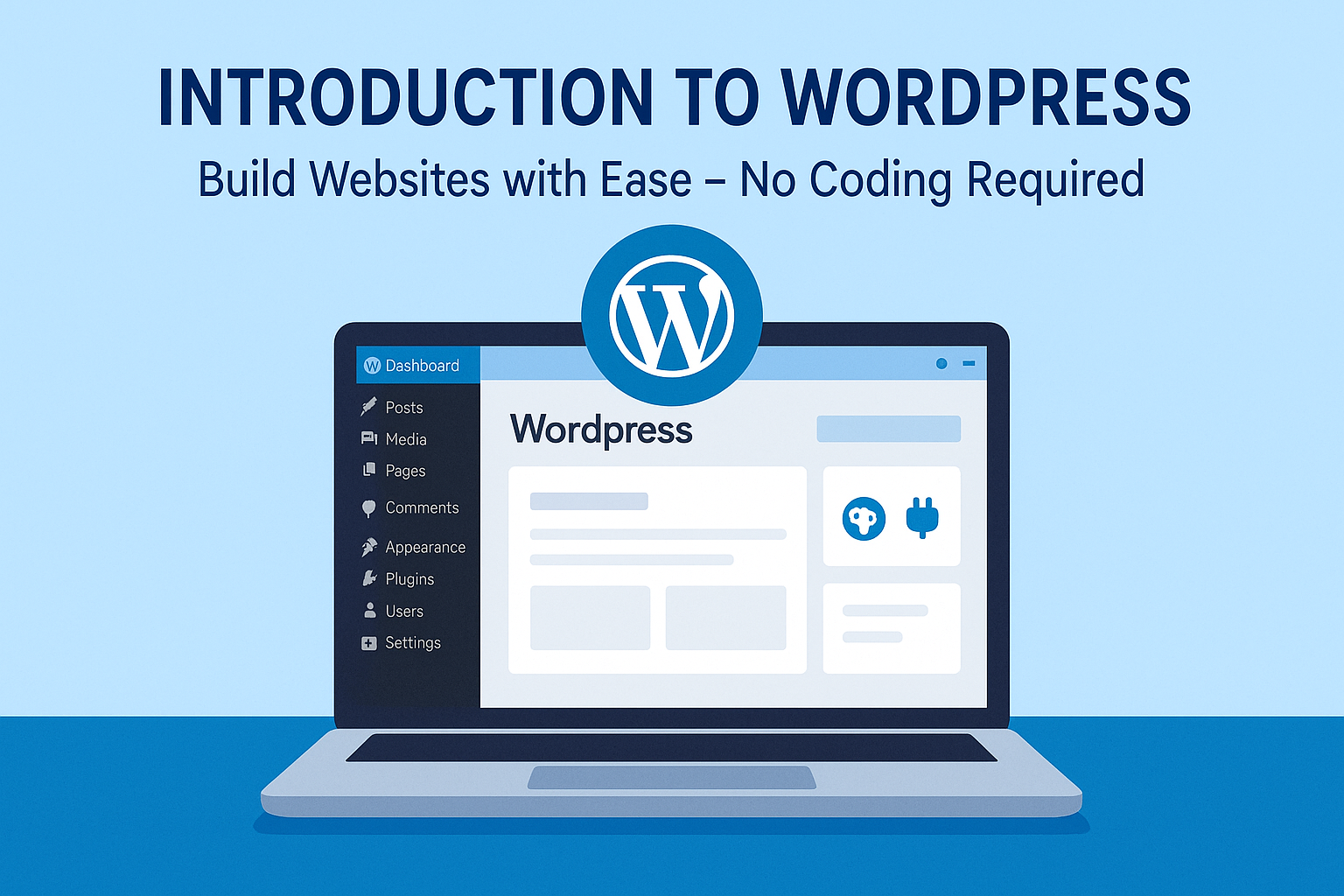
WordPress Master kit Course

Categories: Development, WordPress
Wishlist Share
Share Course
Page Link
Share On Social Media

What Will You Learn?

  • Understand what WordPress is, including its history and key differences between WordPress.com and WordPress.org.
  • Learn how to choose a domain name and select a suitable hosting provider.
  • Gain hands-on experience installing WordPress, both locally (using tools like XAMPP) and on a live server.
  • Navigate and configure the WordPress dashboard.
  • Create and manage blog posts and static pages.
  • Use the Gutenberg Editor to format content and build professional-looking pages.
  • Learn how to transition a website from local development to live deployment.

Course Content

Introduction to WordPress

  • What is WordPress
  • History and Evolution of WordPress
  • What’s the difference between WordPress.com and WordPress.org
  • Why Choose WordPress – Benefits and Features

Getting Started with WordPress

Setting up WordPress on Localhost

Understanding the WordPress Dashboard

Student Ratings & Reviews

No Review Yet
No Review Yet

Want to receive push notifications for all major on-site activities?

✕
Scroll to Top